LivelyWallpaper Reddit discussions are one of the easiest ways to discover new scenes, compare settings and get help from people who use the app every day. The project links to the r/LivelyWallpaper subreddit as one of its official discussion spaces, alongside GitHub Discussions. Knowing how each place works helps you find answers faster and share your own creations confidently.
This article explains what the subreddit is useful for, how to write a post that gets helpful replies, and how to handle shared wallpaper files safely.
Where the Lively Community Gathers
Lively's README points users to two discussion areas: the r/LivelyWallpaper subreddit and the Discussions tab on the project's GitHub page. Both are public, both are free to read, and each suits a slightly different kind of conversation.
Reddit leans toward showcases, quick questions and casual tips, while GitHub is better for detailed bug reports and feature suggestions that developers can track. Using the right place increases the chance that the right people see your message.
| Place | Best for | Format |
|---|---|---|
| r/LivelyWallpaper | Showcases, setup tips, quick help | Threads with images and comments |
| GitHub Discussions | Ideas, questions, longer conversations | Threaded forum on the project page |
| GitHub Issues | Reproducible bugs and feature requests | Tracked reports with labels |
What People Share on the Subreddit
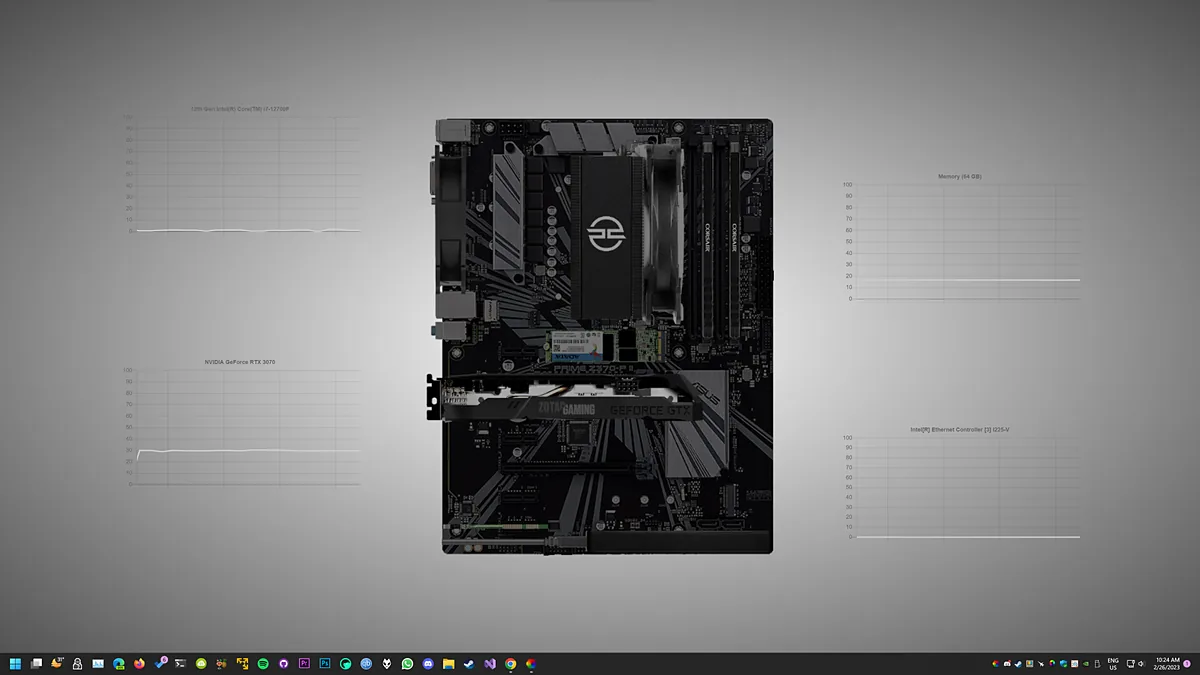
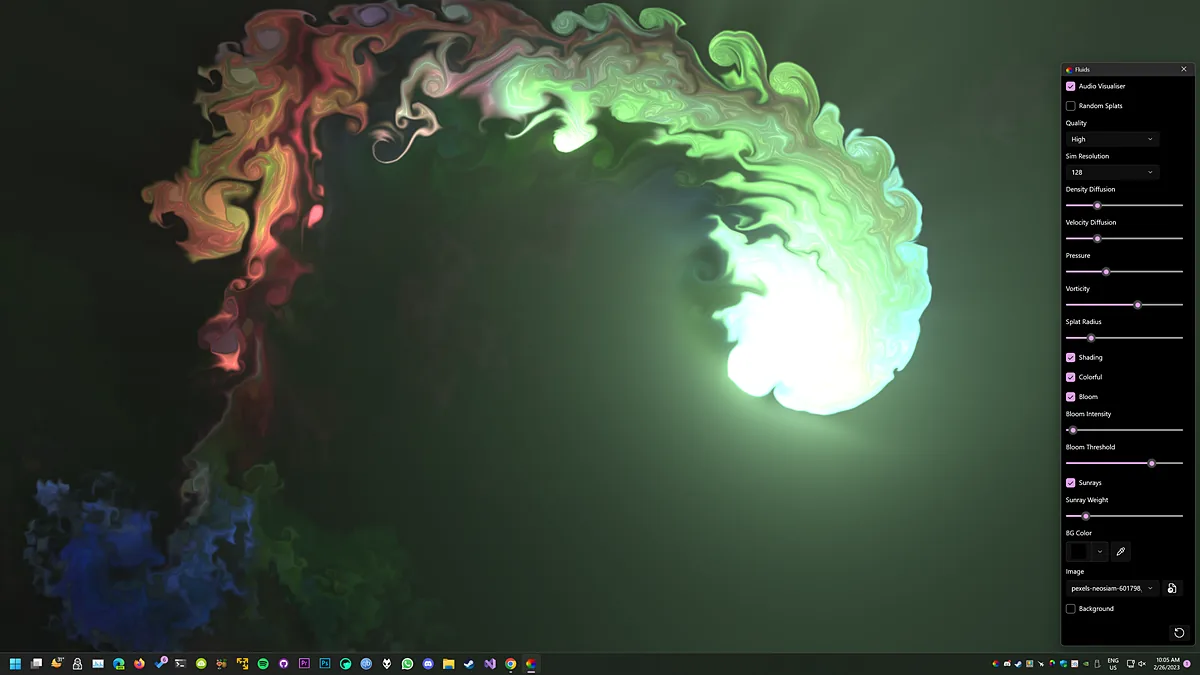
Wallpaper showcases are a highlight. Users post desktops featuring video loops, audio visualisers, clocks and web wallpapers, often explaining how they combined Lively's Customise options with widgets or taskbar tweaks. These posts are an excellent source of inspiration.
Help threads are equally common. People ask about multi-monitor layouts, playback pausing, startup behaviour and video formats. Searching the subreddit before posting often reveals an existing answer to the same problem.
- Desktop setups featuring a specific live wallpaper
- Web wallpapers and Shadertoy scenes people have tried
- Questions about performance on laptops and older PCs
- Tips for making seamless loops from personal videos
Writing a Post That Gets Helpful Answers
Clear details make all the difference. Mention your Windows version, whether you installed Lively from GitHub or the Microsoft Store, your monitor setup and the type of wallpaper involved. A screenshot of the relevant settings removes most of the guesswork for helpers.
Describe what you expected and what actually happened. "Video wallpaper turns black when I open Chrome" is far easier to diagnose than "wallpaper broken". Including any error message Lively displays is also very helpful.
A Simple Checklist Before Posting
- Search the subreddit and GitHub for the same issue
- Note your Windows version and Lively distribution
- List your monitors and their resolutions
- Attach a screenshot or short clip if possible
Sharing Your Own Wallpapers
Many community members create wallpapers from their own footage or code. Lively can export wallpapers from your library as zip packages, which makes sharing a finished scene with its settings straightforward.
Credit matters. When a wallpaper uses someone else's artwork, music or code, include the original creator and check that the licence allows redistribution. Posts that respect creators build trust and keep the community welcoming.
Giving Back to Helpers
When a reply solves your problem, a quick update saying what worked helps the next person with the same issue. Marking the solution or editing your original post turns a single conversation into a lasting answer.
Staying Safe With Shared Files
Downloading files from any community carries some risk. Video files and images are generally low risk, while executable applications and unknown installers deserve much more caution. Lively can run Unity or Godot applications as wallpapers, which means an .exe wallpaper has the same power as any program on your PC.
Treat links to "modified" or "premium" versions of Lively with suspicion. The app is free and open source, so there is no legitimate reason for a paid or unlocked edition. Official releases come from the project's GitHub page and the Microsoft Store, as described in the download walkthrough for PC.
| File type | Risk level | Advice |
|---|---|---|
| MP4, WebM, GIF | Low | Generally safe to import |
| HTML wallpaper zip | Moderate | Prefer known creators, review contents |
| EXE application wallpaper | High | Only run software you fully trust |
| "Lively premium" installers | High | Avoid, Lively has no paid edition |
Community tips are valuable, yet official sources remain the only place to download Lively itself.
Turning Community Ideas Into Your Own Setup
Reading showcase threads with an eye for technique is the fastest way to improve your desktop. Notice how people choose calmer wallpapers behind busy icon areas, how they match colours with the Windows accent and how they use pause rules on laptops.
Try one idea at a time and keep what works. The custom wallpapers article shows how to bring your own media into Lively once inspiration strikes.
Contributing Beyond Reddit
Community support reaches well beyond answering questions. Lively welcomes code contributions, interface design ideas and translations, and the project's GitHub page describes how each kind of help is organised. Translations are managed through a dedicated repository, so multilingual users can make the app friendlier for everyone.
Clear bug reports are a contribution as well. When you find a reproducible problem, a GitHub issue with steps, screenshots and your Windows version helps developers fix it faster than a scattered set of comments across different threads.
- Translate the interface into your language
- Suggest interface improvements with mock-ups
- Report bugs with clear, repeatable steps
- Share well-credited wallpapers and setup tips
Frequently Asked Questions
The Lively project links to r/LivelyWallpaper from its README as one of its discussion spaces, together with GitHub Discussions.
Reproducible bugs are best reported through the project's GitHub Issues, where developers can track and label them.
Video and image files carry low risk, while executable wallpapers and unknown installers deserve caution. Only run software you fully trust.
Conclusion
LivelyWallpaper Reddit threads offer inspiration, quick answers and a friendly place to show off your desktop. Paired with GitHub Discussions and Issues, the community covers everything from casual showcases to detailed bug reports.
Post with clear details, credit creators when sharing, and treat executable files carefully. With those habits, the community becomes one of the most useful resources for getting more out of Lively.