 LivelyWallpaper



1
Step 1
Download and Install
Get LivelyWallpaper from a trusted source such as GitHub releases or the Microsoft Store, then complete the standard Windows installation in a few clicks.
Livelywallpaper gives your desktop a fresh look with LivelyWallpaper, a free, open-source application that brings movement and personality to Windows 10 and 11. Turn videos, GIFs and interactive designs into beautiful live backgrounds, with plenty of room to make your screen your own.

LivelyWallpaper is a desktop customisation application that replaces ordinary static backgrounds with animated and interactive wallpapers. Whether you prefer peaceful landscapes, moving artwork or a favourite video, it offers a simple way to personalise your Windows desktop.
 Free
Open source
Customisable
Lively runs quietly in the background and draws your chosen wallpaper behind the desktop icons, exactly where a normal Windows background sits. You keep working as usual while the screen behind your shortcuts moves, glows and reacts.
The app is maintained as an open project on GitHub, ships under the GPL-3.0 licence and is available through GitHub releases and the Microsoft Store.
A live wallpaper adds atmosphere to every session at the computer. Gentle rain, a drifting ocean or a slowly turning planet makes the desktop feel personal rather than generic, and interactive scenes can even respond to your cursor or music.
Lively takes supported media or interactive content and plays it as a layer behind your desktop icons. There is no complicated setup: pick something you like, apply it, and the app handles playback in the background.
Get LivelyWallpaper from a trusted source such as GitHub releases or the Microsoft Store, then complete the standard Windows installation in a few clicks.
Browse the wallpapers included with the application or add your own content, such as a video, an animated GIF or a supported web page.
Set your chosen background, adjust playback and customisation options, and make the desktop feel right for your working style.
Use built-in settings to manage playback, quality and pauses, so your wallpaper looks good without getting in the way of work, games or battery life.
Run LivelyWallpaper on a single display or a multi-monitor layout, and switch wallpapers whenever you want a fresh desktop atmosphere.
LivelyWallpaper combines a capable wallpaper engine with sensible controls, which makes it a practical choice for people who enjoy personalising their computers.
Give your workspace a more dynamic appearance with moving wallpapers. Fluid simulations, calm landscapes and looping artwork run smoothly behind your icons without changing how you use Windows.

Use supported video files such as MP4, WebM or MKV and animated GIFs as desktop backgrounds, with hardware-accelerated playback through mpv or VLC.
Explore web-based wallpapers that respond to your cursor, system audio or music information through the Lively API.
Manage wallpaper arrangements across multi-screen setups with per-screen, span and duplicate layouts.
Drag and drop your own compatible media or a web address into Lively rather than relying solely on the pre-installed choices.
Use playback rules that pause wallpapers during fullscreen games, focused apps, battery power or remote desktop sessions.
From calm video scenery to interactive web pages, Lively accepts several kinds of content, so your desktop can be as quiet or as lively as you want.

Turn favourite video clips and moving scenery into desktop backgrounds.
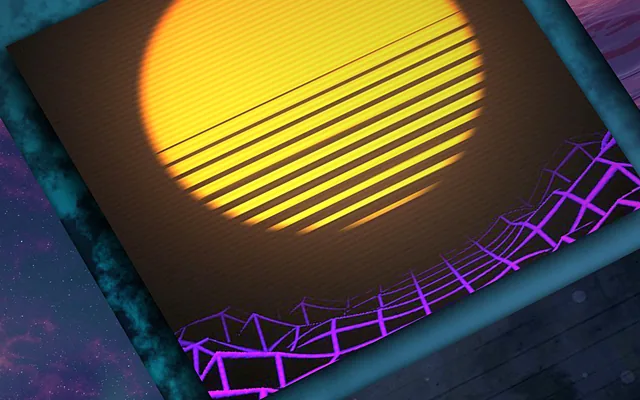
Add short, looping animations that bring small details to life.

Use supported web content for creative and interactive desktop experiences.

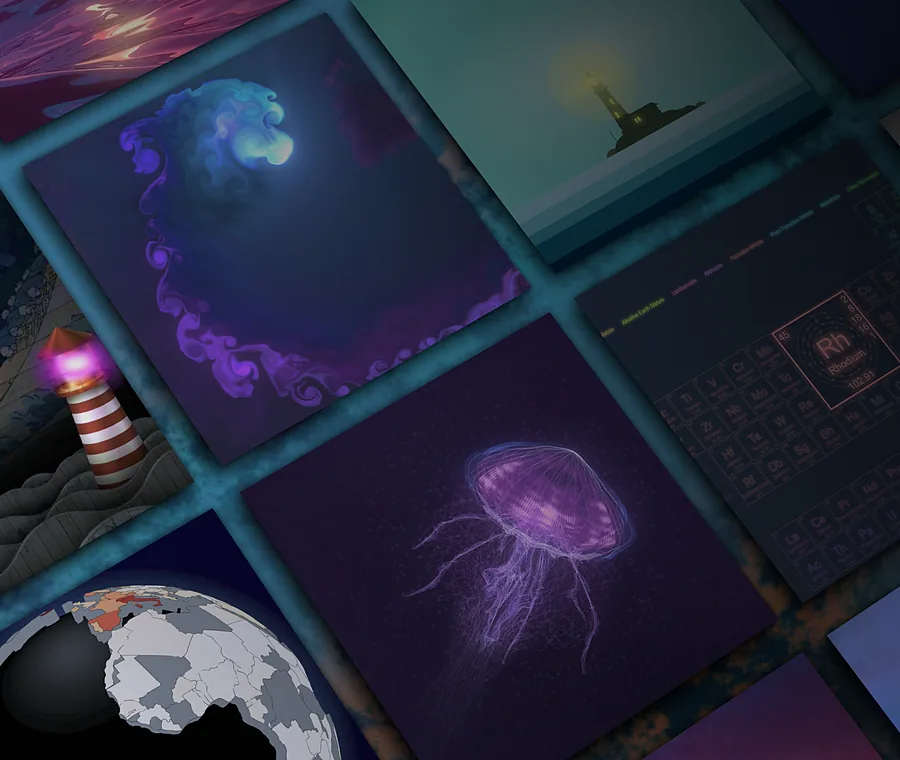
Enjoy immersive moving scenes and animated visual effects.
Features describe what the app can do. The real value is how it changes the time you spend at your computer every day.
 Completely free to use
Create a workspace that reflects your interests and preferred visual style, from quiet nature scenes to bold digital art.
Move beyond the same static background you see every day and switch moods whenever you feel like a change.
Explore animated wallpapers without purchasing a paid wallpaper application or unlocking features behind a subscription.
Choose from supported wallpaper formats, tune each wallpaper's options and make changes whenever you like.
Lively is a native Windows application. Both current Windows versions are supported, and a quick check of your Windows build before installing avoids surprises.
Windows 10 users can install Lively from GitHub releases or the Microsoft Store and use the same wallpaper library, playback rules and multi-monitor layouts as on Windows 11.
The current interface is built with WinUI 3 and the Windows App SDK, so it matches the rounded, modern Windows 11 look while you customise your desktop.
| Requirement | Details |
|---|---|
| Operating system | Windows 10 version 1903 or later (installer), Windows 10 version 1809 or later (Microsoft Store), Windows 11 |
| Memory | No official minimum is published; heavier web and 4K video wallpapers benefit from more available RAM |
| Graphics | Hardware-accelerated video decoding is recommended for smooth high-resolution video wallpapers |
| Web wallpapers | Rendered with a Chromium-based engine; check the release notes of the version you download for any extra component |
| Licence | Free and open source under GPL-3.0 |
Animated backgrounds can use more system resources than static images. Lively includes playback rules that step aside when you need your computer's full attention.
When a fullscreen game or application runs, Lively pauses wallpaper playback by default, bringing its CPU and GPU usage close to zero. You can also create rules for specific foreground programs.
Resource use depends on the wallpaper itself. Resolution, frame rate, video codec and the complexity of web or 3D scenes all affect load, and older integrated graphics feel heavy content sooner than a dedicated GPU.
Pick wallpapers that suit your screen resolution, keep calmer scenes for work, and review the playback rules for focused apps and battery power so the wallpaper never competes with your tasks.
A multi-monitor setup deserves more than a collection of ordinary backgrounds. Lively can treat each display separately or join them into one continuous canvas for a consistent look across the desk.
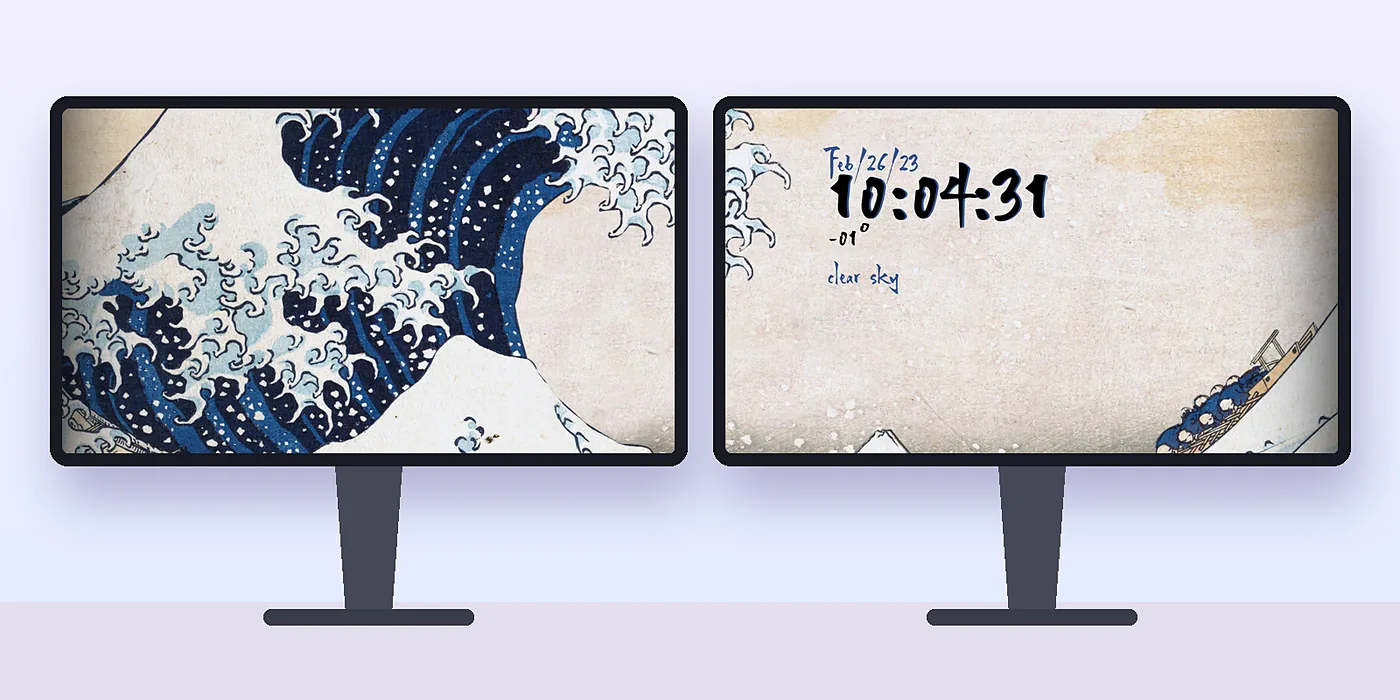
Choose suitable backgrounds for different monitors, such as a calm scene on your main screen and something livelier beside it.
The Span layout stretches one wallpaper across all connected displays, ideal for wide panoramas and ultra-wide artwork.
Switch between per-screen, Span and Duplicate layouts in Lively and pick the target display before applying a wallpaper.
New to animated desktop applications? The setup takes a few minutes and uses the same steps as most Windows programs.
Use the official download options: the project's GitHub releases or its Microsoft Store listing. Both are maintained by the Lively developers.
Run the setup file and follow the prompts. Windows may show a SmartScreen or user account control message, which is normal for new desktop software.
Launch Lively from the Start menu or system tray. The library opens with bundled wallpapers ready to preview.
Select a wallpaper, choose the screen and apply it. Your desktop starts moving straight away, and you can open Customise to fine-tune it.
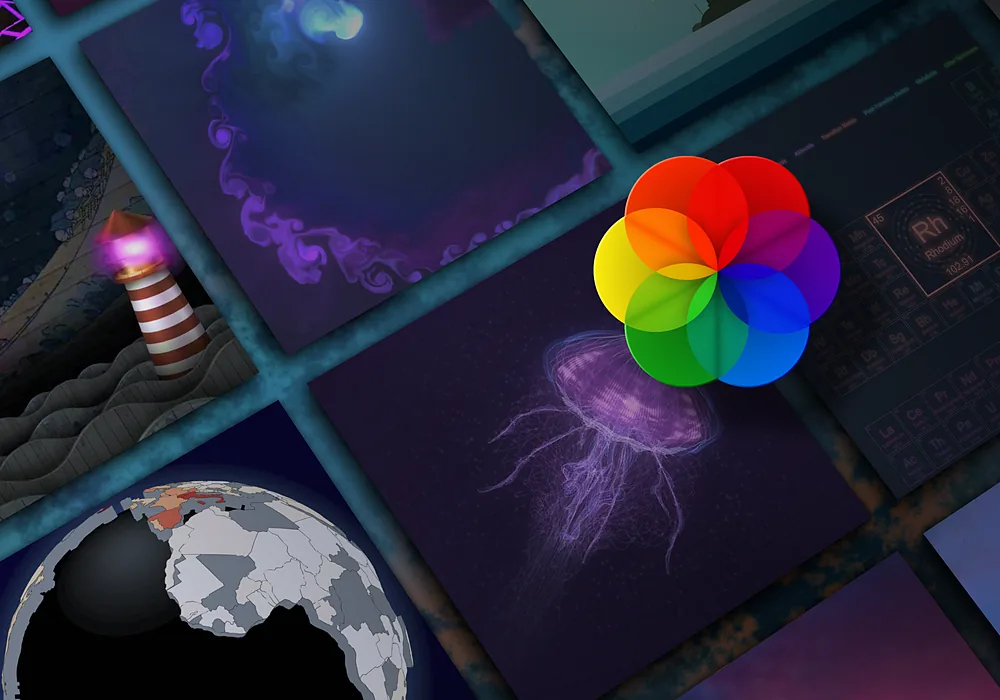
Get the free, open-source live wallpaper app from its GitHub project and start turning videos, GIFs and web pages into desktop backgrounds.
Download LivelyWallpaperThis link opens the project's source on GitHub. Ready-to-run installers are published on the project's releases page; check the file name and publisher before running anything.
Your own clips, loops and web creations can become desktop backgrounds. Lively supports drag and drop, so personal media is only a moment away from your screen.
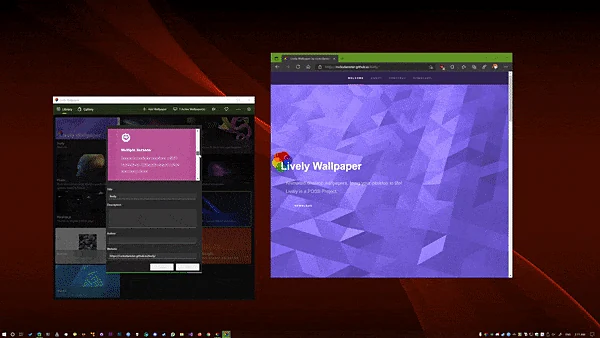
Add a suitable clip, such as an MP4 or WebM file, and Lively loops it behind your icons as an animated wallpaper.
Drop in a looping GIF to give the desktop a distinctive, playful appearance with very little effort.
Paste a supported URL or add an HTML wallpaper package to use interactive web pages and Shadertoy scenes.
Keep favourites in your library, remove ones you no longer use and name imports clearly so switching moods stays quick.
LivelyWallpaper is open-source software, giving users and developers the opportunity to explore its publicly available source code and follow its development.
License: GNU General Public License v3.0
Built with: C#, WinUI 3 and the Windows App SDK
Players: mpv / VLC for video, Chromium-based renderer for web
Core wallpaper features need no purchase, so anyone can enjoy animated backgrounds without trials, watermarks or locked tools.
Publicly available source code means anyone can see how the app works, inspect changes and follow the direction of new releases.
Contributors help with code, design, translations and bug reports, while users share wallpapers and ideas on GitHub Discussions and Reddit.
Small choices make a big difference. These habits keep animated backgrounds enjoyable while your desktop stays comfortable and practical.
Match wallpaper quality to the display and available system resources; a 1080p clip on a 1080p screen looks sharp and plays lightly.
Choose backgrounds with calmer areas behind your shortcuts so files and folders stay easy to spot.
Select calmer animations for work and more energetic designs for entertainment or breaks.
Adjust wallpaper behaviour for focused apps, fullscreen programs and battery power to suit your daily routine.
Most issues come down to a setting, a file format or a startup option. These quick checks solve the common difficulties before they become frustrating.
Check that Lively is running in the system tray and that the wallpaper was applied to the correct screen. Restarting the app often restores the desktop layer after a display change.
Review the wallpaper format and playback status. If a video fails, try a different video player in Lively's settings, and confirm that a pause rule is not active.
Consider less demanding wallpaper content, lower the video resolution or frame rate, and keep pause rules enabled for fullscreen and focused applications.
Enable Start with Windows in Lively's settings and check that the app is allowed under Startup apps in Windows Settings.
Quick answers about downloading, compatibility, custom wallpapers, multiple monitors and performance.
Yes. LivelyWallpaper is free to download and use, and its core wallpaper features are not locked behind a paywall. The project is open source under the GPL-3.0 licence.
Yes. Recent versions are built with WinUI 3 and the Windows App SDK, so the interface fits the Windows 11 design and live wallpapers run behind your Windows 11 desktop icons.
Yes. The project lists Windows 10 version 1903 or later for the installer release and Windows 10 version 1809 or later for the Microsoft Store edition.
Use the project's official sources: its GitHub releases or its Microsoft Store listing. Avoid repackaged installers on unknown websites, since they may be outdated or modified.
Yes. The full source code is public on GitHub under the GPL-3.0 licence, so anyone can review it, follow development and contribute fixes or translations.
No official Android APK exists. LivelyWallpaper is a native Windows desktop application, so files labelled as a LivelyWallpaper APK come from unrelated publishers and should be treated with caution.
ChromeOS cannot run Windows desktop programs natively, so LivelyWallpaper does not install on a standard Chromebook. Chromebook users can rely on the wallpaper options built into ChromeOS instead.
Both deliver the same wallpaper engine. The Microsoft Store edition updates through the Store, while the installer from GitHub releases is handy when the Store is unavailable or you prefer a standalone setup file.
Open Lively's settings and enable the Start with Windows option. Lively needs to run in the background for wallpaper playback, so this keeps your live wallpaper active after every restart.
Close Lively from the system tray, then remove it from Settings > Apps > Installed apps in Windows. Your normal Windows wallpaper returns once the app is no longer running.
Select Add Wallpaper in Lively or drag a video file into the app window. Once it appears in your library, choose it and apply it to the screen you want.
Yes. Animated .gif files are a supported wallpaper type, so you can add a looping GIF exactly as you would add a video file.
The app accepts common video files including MP4, WebM, MKV, MOV, AVI, WMV, FLV and M4V, plus several MPEG and OGG container variants.
Yes. You can import 4K video or high-resolution web wallpapers. Higher resolutions demand more decoding work, so match the file to your display and hardware for smooth playback.
Lively pauses wallpaper playback when a fullscreen game or application runs, which brings wallpaper CPU and GPU use close to zero while you play. The behaviour can be adjusted in performance settings.
Use the Lively icon in the system tray to pause wallpapers, or close the wallpaper from the app. Playback rules can also pause wallpapers automatically for focused apps or battery power.
Yes. In per-screen mode you select a display and apply a separate wallpaper to it, so each monitor can show something different.
Yes. The Span layout stretches a single wallpaper across all connected displays, while Duplicate shows the same wallpaper on every screen.
Yes. Lively uses a Chromium-based renderer for web wallpapers, so supported URLs and HTML files can run as interactive desktop backgrounds.
Yes. Lively supports the Windows screensaver, and any wallpaper can be used for it after a one-time plugin setup.